
Game and Digital Product Categories
Select a game category to browse current listings for items, accounts, in-game currencies, EP, VP and other digital products. Review listings, compare prices and easily find the product that suits your needs.

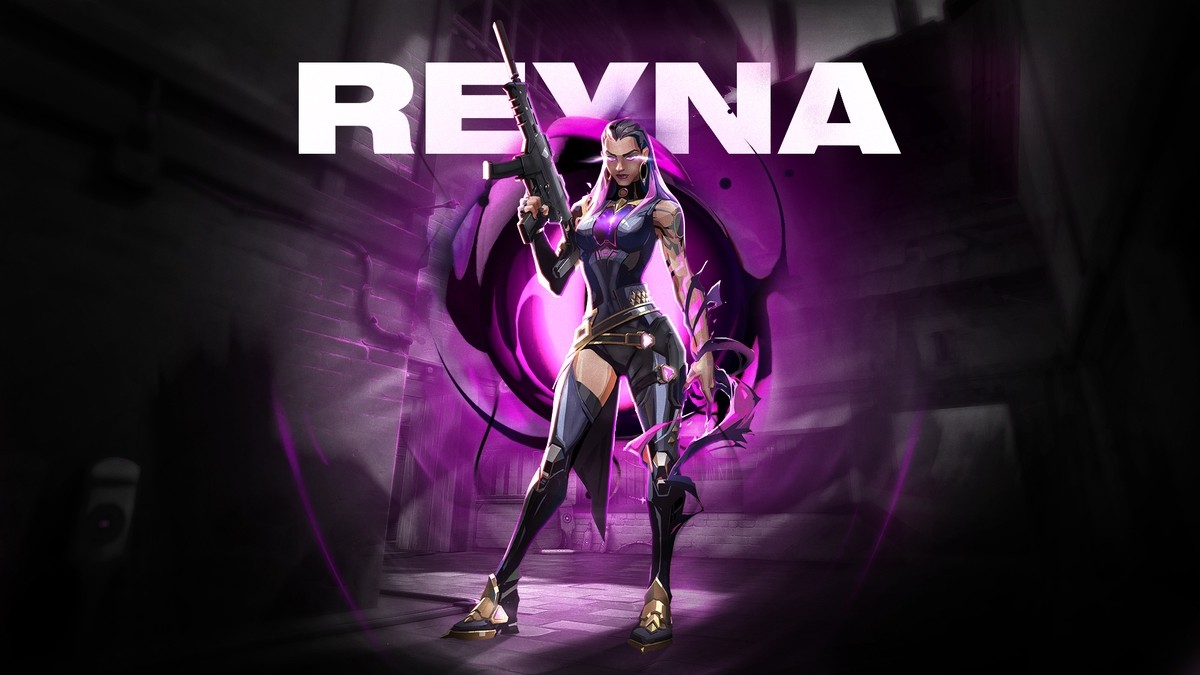




Valorant Vp
What Is Valorant?
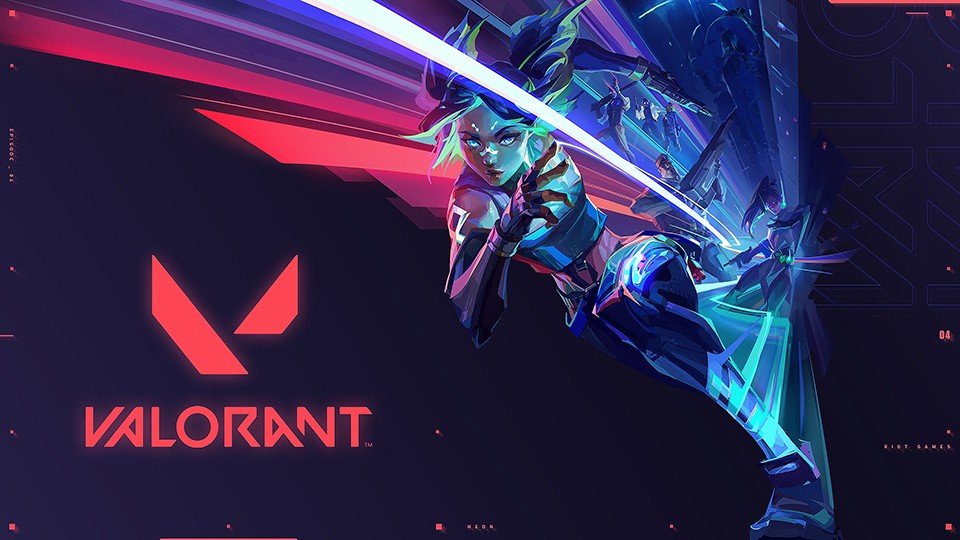
Valorant is a free-to-play 5v5 tactical shooter developed by Riot Games. Players select agents with different abilities and compete as a team.
What Is Valorant VP?
Valorant Points is the in-game currency used for eligible weapon skins, cosmetic bundles and Battle Pass content in the Valorant store.
Cosmetic content purchased with VP does not provide additional power or a competitive advantage.
-
Name of the productDISCOUNTStockPricePuanOrder
-
DISCOUNT -StockPrice ($2.45)Puan-
-
DISCOUNT -StockPrice ($5.14)Puan-
-
DISCOUNT -StockPrice ($10.28)Puan-
-
DISCOUNT -StockPrice ($17.48)Puan-
-
DISCOUNT -StockPrice ($25.29)Puan-
-
DISCOUNT -StockPrice ($50.38)Puan-
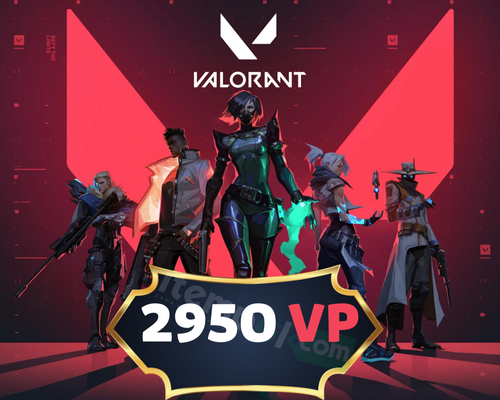
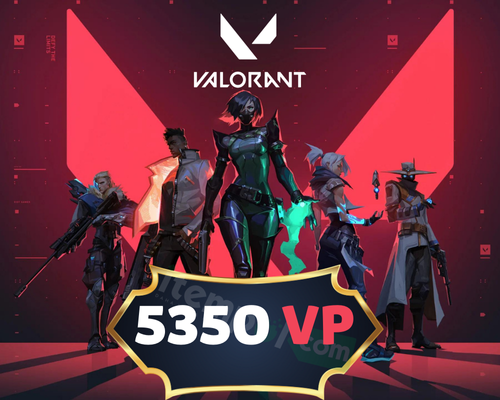
Buy Valorant VP – Current VP Packages and Prices
Explore the available Valorant VP packages and choose the amount of Valorant Points you need. VP is the in-game currency used to purchase eligible weapon skins, Battle Pass content and other cosmetic items from the Valorant store.
On itempol.com, you can compare different Valorant VP packages, review the product details and select the option that suits your needs. Before placing an order, check the VP amount, delivery information and supported Riot account region.
How to Redeem Valorant VP
Follow the steps below to redeem the Valorant VP code purchased from itempol.com:
- Open the Valorant client and sign in to the Riot account where you want to receive the VP.
- Click the VP icon located in the upper-right corner of the main screen.
- Select Riot PIN and Codes or Prepaid Cards and Codes from the available payment methods.
- Enter the Valorant VP code delivered with your itempol.com order into the relevant field without adding spaces.
- Check the code and account region, then click Submit or Confirm.
- After successful redemption, the purchased VP amount will appear in your Valorant account balance.
Minimum Specs - 30 FPS:
Coming to the most basic FPS, Riot Games wants to target the type of hardware you would expect in an old laptop. Valorant needs to work on systems released in the last decade, and with that 30 FPS target we can see why. Honestly, 30 FPS is really the minimum for a fast paced shooter and something we wouldn't recommend. But if he's not playing this or that game, Valorant will run on almost anything.
CPU: Intel i3-370M
GPU: Intel HD 3000
Recommended Specification - 60 FPS:
As you progress towards the 60 FPS target, the game should start to feel like you're used to. 60 FPS has become the standard for this generation of console shooters. These recommended specs should be pretty easy to hit, while rapidly pushing up the FPS graphics as we move towards next-gen hardware.
CPU: Intel i3-4150
GPU: Geforce GT 730
Ultimate Features - 144+ FPS:
This is the FPS with professional gamers and the most dedicated Valorant players. At 144, we've hit the limits of what most consumer monitors can currently handle, and you'll experience the best Valorant has to offer. But you don't want to break the bank for these features. Proposed hardware won't be a huge stretch and will be found on most "gaming" PCs of the past few years and everything after Valorant's release.
CPU: Intel Core i5-4460 3.2GHz
GPU: GTX 1050 Ti
Buy Valorant VP – Explore Current VP Packages
Buy Valorant VP to add Valorant Points that can be used in the in-game store. VP can be used to purchase eligible weapon skins, cosmetic bundles, Battle Pass content and other supported items.
On itempol.com, you can review current VP packages and compare different amounts and prices to find an option that suits your needs. Before ordering, check the VP amount, delivery details and your Riot account region.
What Is Valorant VP?
VP stands for Valorant Points. It is the in-game currency used by Riot Games for purchasing eligible cosmetic content from the Valorant store.
Content purchased with VP does not increase weapon damage, accuracy, agent abilities or competitive performance. These cosmetic products allow players to personalise their weapons, collections and visual experience.
What Can You Buy with Valorant VP?
The products available in the in-game store may change over time. Eligible content may generally include:
- Skins for the Vandal, Phantom, Operator and other weapons
- Limited-time cosmetic bundles
- Melee weapon skins
- Battle Pass content
- Eligible player cards, sprays and cosmetic accessories
- Eligible content displayed in the daily store or Night Market
How to Choose a Valorant VP Package
First, check the price of the in-game content you want to purchase. Then consider your existing VP balance and select the package closest to the additional amount you need.
When comparing packages, review the following details:
- Total VP included in the package
- Current selling price
- Supported Riot account region
- Delivery method and estimated processing time
- Terms stated in the product description
Valorant VP for the Türkiye Server
The Valorant VP products listed in this category are valid for Riot accounts registered in the Türkiye region. Codes and accounts registered in different regions may not be compatible.
Check your Riot account region before placing an order. A code purchased for the wrong region may not be redeemable on your account.
How to Redeem a Valorant VP Code
- Open the Valorant client and sign in to your Riot account.
- Select the VP icon in the upper-right corner.
- Open the Riot PIN and Codes or Prepaid Cards and Codes section.
- Enter the code delivered with your itempol.com order.
- After confirmation, check the VP balance displayed in your account.
What Should You Check Before Buying VP?
- Confirm the amount of VP you are purchasing.
- Make sure your Riot account is registered in the Türkiye region.
- Read the product description and delivery method.
- Do not share the delivered code with third parties.
- Never share your Riot password or verification code.
- Keep communication and payment within the itempol.com system.
Buy Valorant VP on itempol.com
The itempol.com Valorant VP category allows you to review current products in different amounts and compare their prices on one page. After selecting a suitable package, check the product details before placing your order.
Check the amount required for the skin, bundle or Battle Pass you want in the Valorant store, then select an option that suits your budget and existing VP balance.
ITEMPOL Game and Digital Product Marketplace
ITEMPOL is a digital marketplace where players can browse listings for in-game products, items, accounts, characters and in-game currencies. Select the game you play to view available listings and compare current prices.
How Should You Choose the Right Category?
Carefully check the game, server and product type of the item you want to buy or sell. Selecting the correct category helps you find relevant listings faster and allows your products to reach the right buyers.