
İTEMPOL Oyun Haberleri ve Rehberleri
Metin2, Mobile2, Royale2 Online ve diğer popüler oyunlara ait güncel rehberleri, server tanıtımlarını ve dijital ürün içeriklerini keşfedin.
News Category » Mobile Games » What is Mobile2 F-Coin? Purchase, Top-up, and Usage Guide
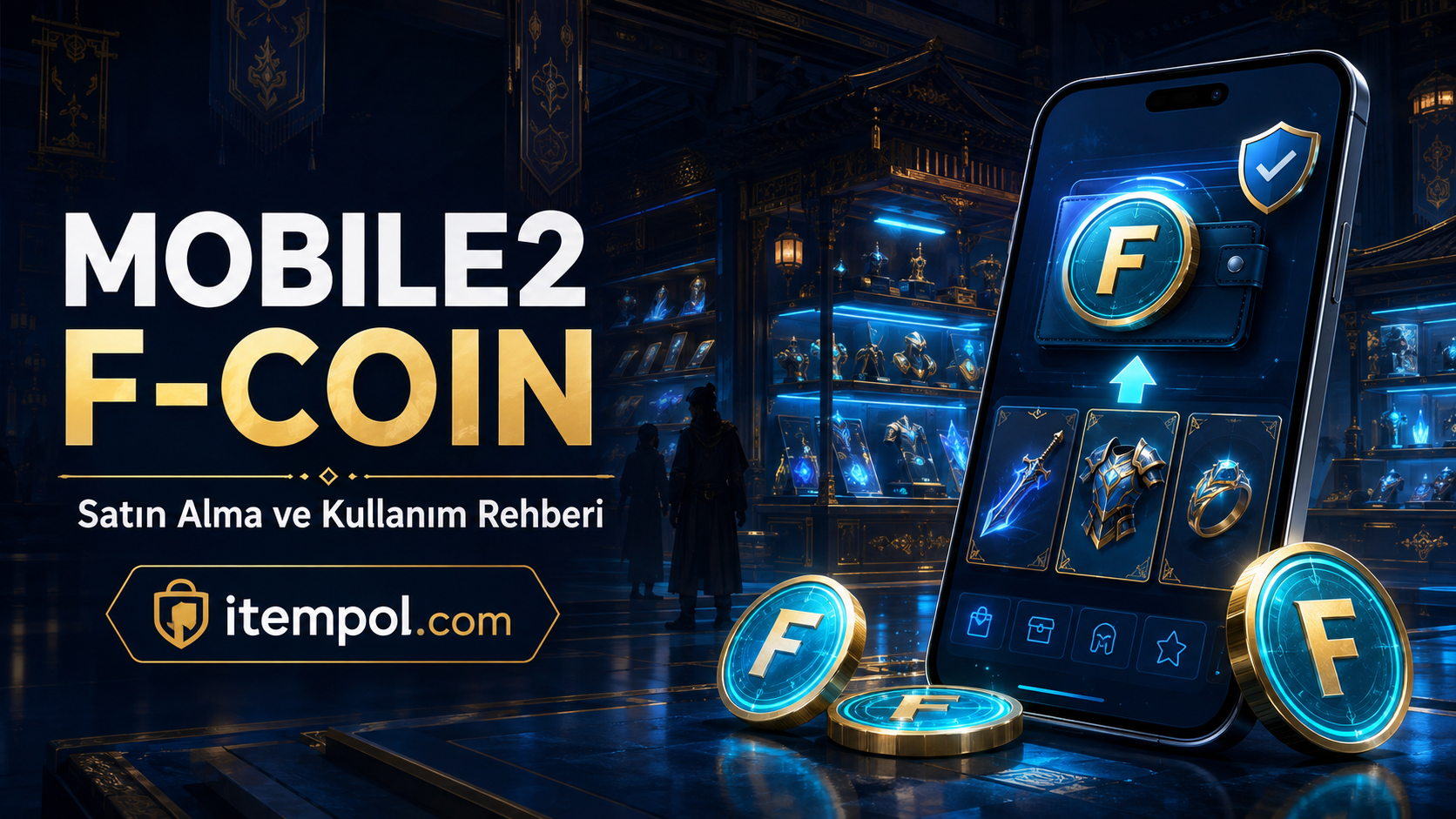
What Is Mobile2 F-Coin? Purchase, Top-Up and Usage Guide
Mobile2 F-Coin is one of the digital currencies used by Mobile2 Global players to access in-game content. Popular searches include buy Mobile2 F-Coin, Mobile2 F-Coin prices, how to top up F-Coin, what F-Coin is used for and cheap Mobile2 F-Coin.
Before purchasing F-Coin, players should check whether the product is compatible with their Mobile2 Global account, along with the top-up method, package amount and usage conditions. Current Mobile2 F-Coin and EP products can be explored on itempol.com.
What Is Mobile2 F-Coin?
Mobile2’s official terms define F-Coin as a digital currency that can be purchased with real money or, in some situations, obtained from monsters, Metin Stones and events.
F-Coin can be used to purchase certain digital products available in the Mobile2 Global Item Shop. Its uses, packages and available store products may change with game updates.
F-Coin is not the same as Yang. Yang is the primary in-game currency that players can earn through farming, quests and trading. F-Coin is mainly used to access digital products available through the Item Shop.
What Is Mobile2 F-Coin Used For?
Mobile2 F-Coin can be used to obtain digital content offered in exchange for F-Coin in the Item Shop.
Available products may change over time but can include categories such as:
- Costumes
- Mounts
- Pets
- Chests
- Supporting products
- Character development products
- Farming-related content
- Event products
- Appearance products
- Time-limited benefits
- Item Shop-exclusive products
Not every product remains available permanently. The Item Shop can change as a result of Mobile2 updates, campaigns and events.
Before spending F-Coin, check the product description, duration and the character to which it will be assigned.
What Is the Difference Between Mobile2 F-Coin and Yang?
Mobile2 players may sometimes confuse F-Coin with Yang. However, these currencies have different uses.
| Feature | Mobile2 F-Coin | Mobile2 Yang |
|---|---|---|
| Primary use | Item Shop products | Player marketplace and in-game transactions |
| How it is obtained | Purchase or selected in-game content | Farming, quests, events and trading |
| Where it is used | Products accepting F-Coin | Items, equipment and in-game trading |
| Value | May vary by package and store conditions | Changes according to the server economy |
A player who wants to purchase a weapon or armor from the player marketplace may need Yang. A player who wants to purchase digital content from the Item Shop may need F-Coin.
What Is the Difference Between Mobile2 F-Coin and Gaya?
Mobile2’s official terms describe the Gaya Shop as an in-game system where players can buy and sell certain virtual content for Turkish lira.
F-Coin is a digital currency used to purchase specific products from the Item Shop. Therefore, F-Coin and Gaya do not represent the same system.
Before purchasing a product, check:
- Is the product purchased with F-Coin?
- Is it offered through the Gaya Shop?
- Is it assigned directly to a character?
- Does it have a usage period?
- Which server or account is it valid for?
- Can the product be transferred?
Do not assume that a feature is available unless it is clearly stated in the product description.
How to Buy Mobile2 F-Coin
The Mobile2 F-Coin purchase method may vary according to the platform and package. F-Coin can be purchased through official Mobile2 payment channels or trusted digital gaming platforms offering relevant products.
Mobile2 Global EP and F-Coin products may be available on itempol.com. Read the complete product title and description before purchasing.
The general purchase process may include:
- Log in to your itempol.com account.
- Open the Mobile2 F-Coin or Mobile2 EP category.
- Review the current product packages.
- Check the amount of F-Coin included.
- Read the delivery or activation method.
- Confirm that the product is compatible with your account and region.
- Complete payment through itempol.com.
- Follow the provided activation instructions.
- Keep the order record until the process is completed.
Package contents and prices may change. The current details displayed on the product page should always be treated as the primary information.
How to Top Up Mobile2 F-Coin
The Mobile2 F-Coin top-up method may vary depending on the delivery format. Some products may be provided as codes, while others may use a different activation method.
Follow the instructions provided by the seller or product page. Never enter your Mobile2 username and password on an unverified website.
When topping up F-Coin:
- Log in to the correct Mobile2 account.
- Use the product code only in the official or specified area.
- Do not share the code with anyone.
- Verify the package amount.
- Save a screenshot of the transaction.
- Keep the order number.
- Check your F-Coin balance afterwards.
If the package is assigned directly to the account, wait for the delivery period stated in the product description.
Mobile2 F-Coin Prices
Mobile2 F-Coin prices may not be fixed. Package quantity, payment channel, campaigns, region and current game policies can affect the price.
Do not compare packages using only the total cost. Calculate the unit price using the amount of F-Coin included.
The basic calculation is:
Unit F-Coin price = Total package price ÷ Amount of F-Coin
Comparing the unit cost can provide a clearer result. However, do not assume that the largest package always offers the best value. Check the current product page before purchasing.
How to Find Cheap Mobile2 F-Coin
Players searching for cheap Mobile2 F-Coin can compare packages and active campaigns. However, offers priced far below the market or requesting external payment should be approached carefully.
When comparing F-Coin products, review:
- F-Coin amount
- Total product price
- Unit F-Coin cost
- Delivery or activation method
- Compatible account and region
- Listing date
- Customer support options
- Refund and usage conditions
Avoid offers shared through social media that request payment to a personal account.
Mobile2 F-Coin Packages
Mobile2 F-Coin products may also appear under names such as F-Cash or Mobile2 EP. Older product pages and different platforms may use naming that does not completely match the current system.
Do not complete payment based only on the product title. Look for:
- Current product name
- F-Coin amount
- Activation method
- Compatible game
- Compatible server or region
- Delivery format
- Usage conditions
Before purchasing a product listed as “Mobile2 EP” or “F-Cash,” ask support to confirm its current F-Coin equivalent and validity.
Mobile2 Yakamoz F-Coin
Mobile2 Yakamoz players should check whether an F-Coin package is server-specific. Even if F-Coin is account-based, delivery and usage conditions may vary.
Popular Yakamoz searches include:
- Mobile2 Yakamoz F-Coin
- Buy Yakamoz F-Coin
- Mobile2 Yakamoz F-Coin prices
- Yakamoz F-Coin top-up
- Mobile2 Yakamoz EP
If the product description specifically mentions the Yakamoz server, use the correct account and character information during purchase.
Mobile2 Alesta F-Coin
Players who want to buy Mobile2 Alesta F-Coin should also confirm that the product is compatible with the current system and their account.
Do not assume that a product purchased for Alesta can be used on another server. Follow any server limitations stated in the package description.
Mobile2 Tramola F-Coin
Mobile2 Tramola players should compare the package amount, price and delivery method together.
Before completing an F-Coin purchase, carefully check the user and character information to prevent the product from being assigned to the wrong account.
I Purchased Mobile2 F-Coin, but It Did Not Arrive
Players may sometimes research why their F-Coin balance has not appeared after purchase. If this happens, check the transaction before buying the same product again.
Follow these steps:
- Confirm whether the payment was successful.
- Review your bank or application-store transactions.
- Save the order number.
- Log out of Mobile2 and log in again.
- Make sure the game is updated.
- Review the delivery period on the product page.
- Contact the platform where you purchased the product.
- Submit a request to official Mobile2 support if necessary.
A support request may include the order number, date, time, package information and payment confirmation. Do not send your full card number, password, SMS code or other sensitive information.
Mobile2 F-Coin Is Not Recognized by My Account
If the balance appears but a feature remains unavailable, the issue may be related to account synchronization, the shop or an application update.
Check:
- Whether you are logged in to the correct account
- Whether the game is updated
- Whether the purchase was completed
- Whether F-Coin appears in the correct account
- Whether the feature’s conditions have been met
- Whether changing the server or character affected the transaction
- Whether maintenance or a temporary shop issue is active
If the problem continues, contact official support instead of making another purchase.
Can Mobile2 F-Coin Be Refunded?
Refund conditions may vary depending on the platform, whether the product has been used and the applicable agreement.
Before requesting a refund:
- Read the refund terms on the product page.
- Do not use the product.
- Keep the order and payment records.
- Contact the platform’s support team.
- Review the application store’s refund process if purchased there.
- Check the official Mobile2 agreements.
If a digital code has been displayed, redeemed or assigned to an account, the refund request may be evaluated differently.
Mobile2 F-Coin Security Tips
Account and payment information should be protected when purchasing Mobile2 F-Coin.
Consider the following precautions:
- Use only the correct website address.
- Never share your Mobile2 password.
- Do not provide SMS or verification codes.
- Do not accept external payment offers.
- Read the complete package description.
- Check the amount of F-Coin.
- Learn the delivery method.
- Keep the order number.
- Do not click suspicious links.
- Avoid paying from shared devices.
- Review the current Mobile2 rules.
Do not assume that F-Coin can be transferred to another account or converted into cash. Only current official rules should be used to determine whether such transactions are permitted.
Frequently Asked Questions About Mobile2 F-Coin
What is Mobile2 F-Coin?
F-Coin is a digital currency that can be purchased with real money or obtained through certain Mobile2 in-game activities.
What is Mobile2 F-Coin used for?
F-Coin can be used to purchase digital content offered for F-Coin in the Item Shop.
Where can Mobile2 F-Coin be purchased?
F-Coin can be purchased through official Mobile2 payment channels or trusted platforms offering current products. Mobile2 F-Coin and EP products may be available on itempol.com.
How do I top up Mobile2 F-Coin?
The top-up method depends on the product’s delivery format. Follow the activation and usage instructions on the product page.
Are Mobile2 F-Coin and Yang the same?
No. Yang is the primary currency used in the player marketplace and character development. F-Coin is used for certain Item Shop products.
Are F-Coin and Gaya the same?
No. F-Coin is a digital currency used in the Item Shop. The Gaya Shop is a separate in-game marketplace operating under different rules.
What should I do if purchased F-Coin does not arrive?
Check the payment and order status, log in again and review the delivery period. If the problem continues, contact the platform where you paid and official Mobile2 support.
How much does Mobile2 F-Coin cost?
Prices may vary according to package quantity, payment method and current campaigns. Compare active product pages.
Can F-Coin be transferred to another account?
Only the current Mobile2 rules should be used to determine whether transfers are permitted. Do not move F-Coin between accounts unless official permission is confirmed.
Conclusion
Mobile2 F-Coin is an in-game currency used to access certain digital products in the Item Shop. F-Coin packages, prices and usage options may change over time.
Players who want to buy Mobile2 F-Coin can explore current Mobile2 Global F-Coin and EP products on itempol.com. Before purchasing, check the product name, package amount, activation method and account compatibility.
Keep all order records until the transaction is completed. Never share passwords, SMS codes or payment information with another person.
- E. History : 25.08.2026 22:01
- reading : 94.319
Related Products
Popular News



İTEMPOL Haberler Bölümünde Neler Bulabilirsiniz?
İTEMPOL Haberler bölümünde oyun dünyasına yönelik bilgilendirici makaleler, oyun rehberleri, server incelemeleri ve dijital ürün içerikleri yayımlanır. Haber başlıklarını ve etiketlerini kullanarak ilgilendiğiniz oyuna ait içeriklere kolayca ulaşabilirsiniz.