
İTEMPOL Oyun Haberleri ve Rehberleri
Metin2, Mobile2, Royale2 Online ve diğer popüler oyunlara ait güncel rehberleri, server tanıtımlarını ve dijital ürün içeriklerini keşfedin.
News Category » Mobile Games » Guide to Trading Items, Yang, and Accounts on Mobile2 Servers (2026)
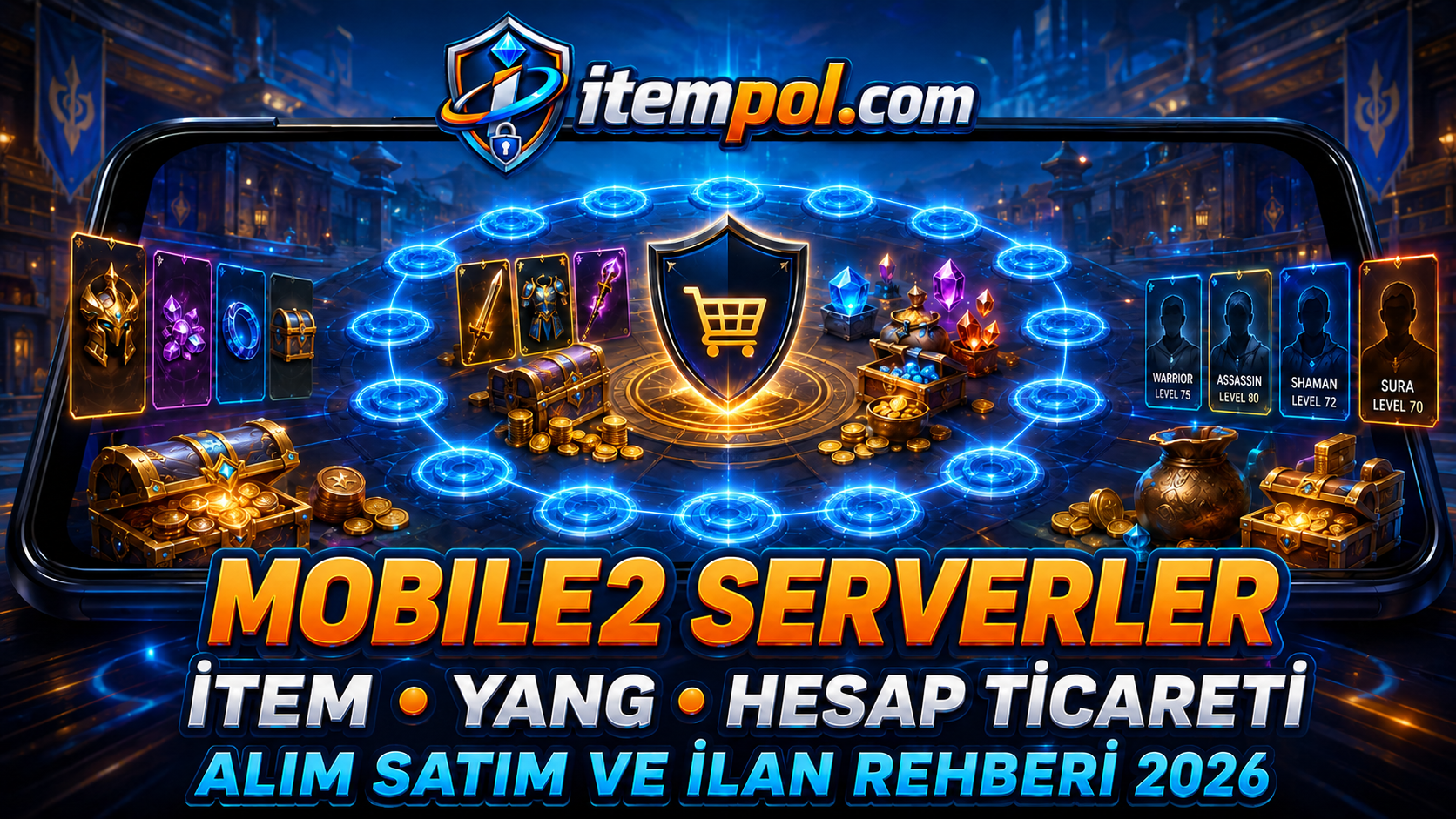
Mobile2 Item, Yang and Account Trading Guide
Players may need equipment, upgrade materials and in-game currency to develop their characters on Mobile2 servers. They can obtain these products through farming and in-game markets or examine item, Yang, account and character listings published by other users.
Every Mobile2 server may have a different economy. A product with high demand on one server may have a different value on another. The server, product attributes, quantity and current marketplace should therefore be evaluated together.
What Is Mobile2 Item Trading?
Mobile2 item trading involves publishing listings for in-game products or examining products offered by other users.
Products may include:
- Weapons and armor
- Helmets and shields
- Accessories
- Enchanted items
- Upgrade materials
- Skill books
- Costumes
- Mounts and pets
- Chests
- Event products
- Farming materials
Trading rules may differ by server and should be reviewed before creating a listing.
What Should You Check Before Buying Items?
Check:
- Full server name
- Exact item name
- Upgrade level
- Bonuses
- Character compatibility
- Quantity
- Listing date
- Images
- Delivery method
- Products included
Do not assume that every item visible in an image is included.
How Do You Sell Mobile2 Items?
A useful item listing should contain:
- Game and server
- Exact product name
- Upgrade level
- Bonuses
- Quantity
- Price
- Delivery information
- Current images
Comparable products on the same server can be examined before setting a price.
Mobile2 Yang Trading
Yang may be used for item purchases, equipment upgrades and other in-game expenses. Listings can be compared by quantity and price per million.
- 1M equals 1,000,000 Yang
- 10M equals 10,000,000 Yang
- 50M equals 50,000,000 Yang
- 100M equals 100,000,000 Yang
Price per M = Total listing price ÷ Number of millions offered
Prices should be compared only within the same server.
What Should You Check Before Buying Yang?
Confirm:
- Mobile2 server
- Yang quantity
- Price per M
- Total price
- Minimum quantity
- Listing date
- Delivery method
- Character information required
Yang held on one server may not be transferable to another server.
Mobile2 Account and Character Trading
Players who do not want to develop a new character may examine account and character listings.
Account value may depend on:
- Server
- Character class
- Character level
- Skills
- Mission progress
- Weapons and armor
- Enchanted accessories
- Costumes
- Mounts and pets
- In-game currency
- Stored items
- Rare products
Account-transfer rules may differ between servers.
Trading Across Mobile2 Servers
Romia2 Mobile, Ebedi2, Remastered2, MekanMT2 Mobile, Land of Heroes, HardMT2 Mobile, Metius2 Mobile, Arva2 Mobile, Mobile2 Global, Royale2, Online Metin2 Mobile & PC, Ronin2 Nefertit Mobile, Tarantin2 Mobile & PC, Misali2 Feda Mobile, Lova2 Mobile, Meta2 Online and Yakamoz2 Mobile may each have different item values and marketplace conditions.
Players should compare listings within the relevant server instead of using prices from another project.
Why Do Product Prices Change?
Prices may be affected by:
- Server opening date
- Active player population
- Product rarity
- Farming volume
- Events
- Updates
- Marketplace supply
- Player demand
- Popular character classes
- Server mergers
Products may be rare on newly opened servers. Their values can change as the server develops and more products enter the marketplace.
Protecting Account Information
Players should:
- Never share account passwords.
- Never send email passwords.
- Never provide telephone verification codes.
- Avoid suspicious external links.
- Confirm the server and character name.
- Check the product quantity.
- Compare images with the description.
- Confirm what is included.
- Follow the relevant server rules.
Passwords and verification codes are not required for item or Yang delivery.
Where Can Players Examine Listings?
Users can examine or publish item, Yang, account and character listings for Mobile2 Global and other Metin2 Mobile servers through itempol.com.
Frequently Asked Questions
Where can I find Mobile2 items?
Users can examine listings through the relevant game and server categories on itempol.com.
How can I compare Mobile2 Yang listings?
Confirm the server and compare the quantity, price per M and delivery conditions.
How do you sell a Mobile2 item?
Create a listing containing the server, item name, upgrade level, bonuses, quantity and price.
How are Mobile2 account prices determined?
The server, class, level, skills, missions, equipment and in-game currency may affect the value.
Are prices the same on every server?
No. Every server may have a different marketplace and player demand.
Conclusion
During Mobile2 item, Yang, account and character trading, players should select the correct server category, review product information and compare current listings.
Users can visit itempol.com to examine or publish Mobile2 and Metin2 Mobile product listings.
- E. History : 24.08.2026 21:15
- reading : 6.437
Popular News



İTEMPOL Haberler Bölümünde Neler Bulabilirsiniz?
İTEMPOL Haberler bölümünde oyun dünyasına yönelik bilgilendirici makaleler, oyun rehberleri, server incelemeleri ve dijital ürün içerikleri yayımlanır. Haber başlıklarını ve etiketlerini kullanarak ilgilendiğiniz oyuna ait içeriklere kolayca ulaşabilirsiniz.