
İTEMPOL Oyun Haberleri ve Rehberleri
Metin2, Mobile2, Royale2 Online ve diğer popüler oyunlara ait güncel rehberleri, server tanıtımlarını ve dijital ürün içeriklerini keşfedin.
News Category » Mobile Games » Mobile2 Item Trading Guide: Where to Buy and Sell Metin2 Mobile Items?
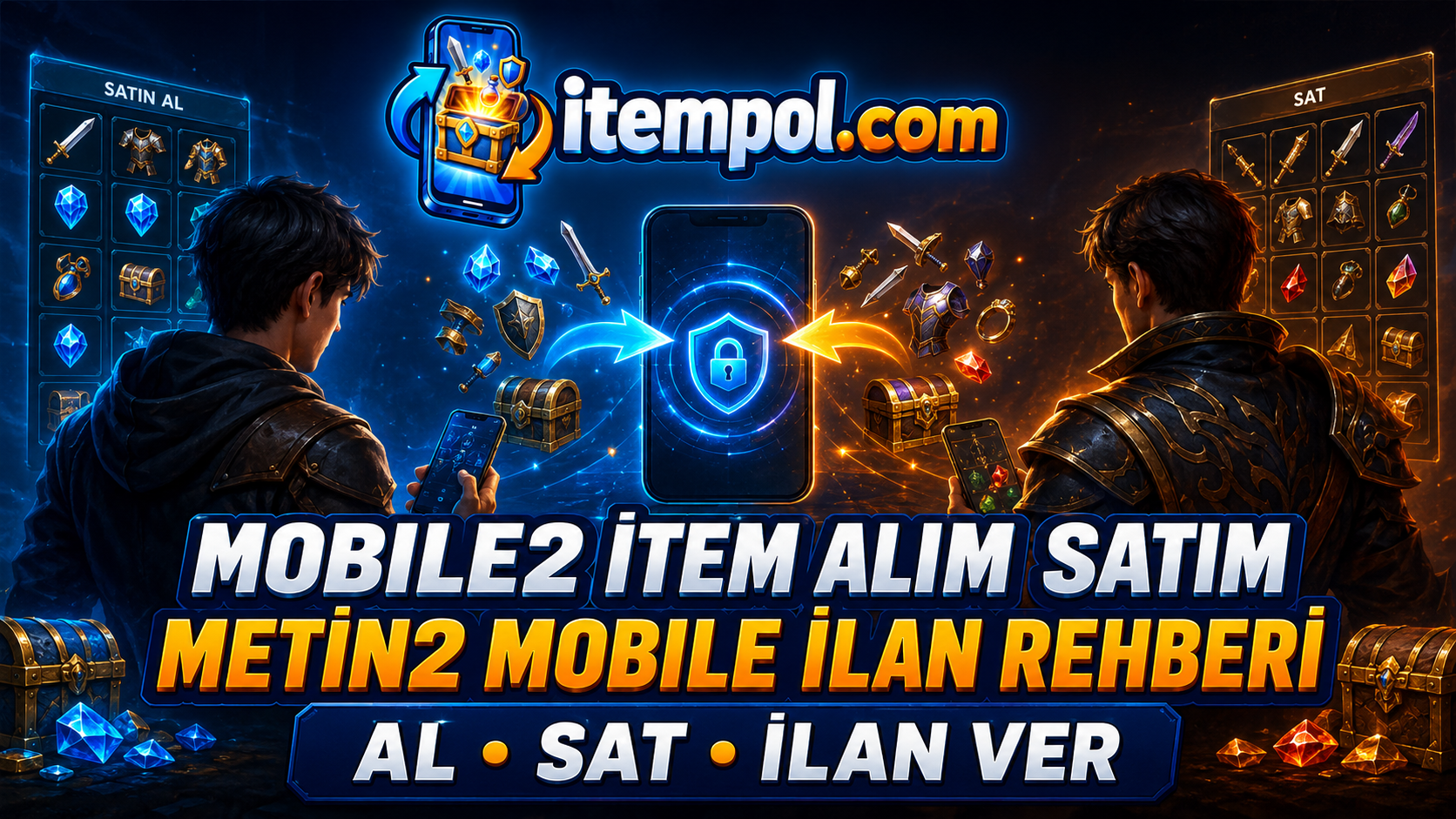
Mobile2 Item Trading Guide: Where to Buy and Sell Metin2 Mobile Items
Item trading, buying items and finding reliable listings are among the most frequently researched topics by players who want to improve their characters on Mobile2 servers. The value of weapons, armor, costumes, upgrade materials and in-game currency may vary depending on the server, item attributes and current market demand.
Players on Mobile2 Global and other Metin2 Mobile servers can use listing platforms to find the items they need or sell equipment they no longer use.
This guide explains how Mobile2 item trading works, where to buy Metin2 Mobile items, how to choose the right listing and what sellers should consider when creating an advertisement.
What Is Mobile2 Item Trading?
Mobile2 item trading is the process of listing in-game products for sale or examining listings published by other players.
Products offered through Mobile2 listings may include:
- Weapons
- Armor
- Helmets and shields
- Earrings, necklaces and bracelets
- Costumes and cosmetic products
- Mounts and pets
- Upgrade materials
- Skill books
- Chests and event products
- In-game currency
- Accounts and characters
Since each Mobile2 server may have different trading rules, players should review the relevant server rules before buying, selling or publishing a listing.
Where Can You Buy Mobile2 Items?
Players who want to buy Mobile2 items can use the in-game marketplace or online listing platforms. The in-game marketplace is helpful for comparing current prices, but searching through many shops can take time when you need an item with specific bonuses.
itempol.com is a platform where listings for Mobile2 and Metin2 Mobile products can be published and examined. Players can review the game category, server information and product details to find a listing that matches their requirements.
Price should not be the only factor considered. The server, item attributes, quantity and delivery information should all be checked before making a decision.
What Should You Check Before Buying a Mobile2 Item?
Read the complete listing description to avoid purchasing a product for the wrong server or receiving an item with different attributes.
Check the following details:
- Mobile2 server name
- Exact name of the item
- Bonuses and attributes
- Upgrade level
- Product quantity
- Delivery method
- Estimated delivery time
- Listing publication date
- Seller’s description
- Cancellation or refund conditions
A player searching for Mobile2 Global items for sale should confirm that the listing actually belongs to the Mobile2 Global category. Items with similar names may have different prices and uses on different servers.
How Can You Find Cheap Mobile2 Items?
Players frequently search for cheap Mobile2 items, but automatically choosing the lowest-priced listing may not always be the right approach. Listings priced significantly below the market average should be examined carefully.
To find a suitable listing:
- Compare multiple listings for the same item.
- Research the average price on the server.
- Compare bonuses and item attributes.
- Calculate the price per unit.
- Check whether the listing is still current.
- Read the delivery conditions.
- Evaluate alternatives before making a decision.
A product may be cheaper because it has a lower upgrade level, different bonuses or a smaller quantity.
How Do You Sell Mobile2 Items?
Before listing an item, research its current value on the relevant Mobile2 server. Compare products with similar attributes to determine a realistic selling price.
When creating a Mobile2 item listing on itempol.com:
- Select the correct game category.
- Specify the relevant Mobile2 server.
- Write a clear and descriptive title.
- Add all item attributes.
- Upload current images showing the product.
- Specify the quantity.
- Explain the delivery conditions.
- Determine a realistic price.
- Monitor messages after publishing the listing.
A complete listing helps potential buyers understand the product without repeatedly asking for additional information.
How Should You Write a Mobile2 Listing Title?
A title such as “item for sale” does not provide enough information. The game, server and product should be clearly stated.
Example listing titles include:
- Mobile2 Global Upgraded Weapon for Sale
- Metin2 Mobile Enchanted Armor for Sale
- Mobile2 Global Item Sale – Current Listing
- Affordable Item Listings for Mobile2 Servers
- Metin2 Mobile Character Upgrade Items
- Mobile2 Global In-Game Currency Listing
A descriptive title helps users find the right product and allows the listing page to be better understood for relevant searches.
What Should Be Included in the Listing Description?
A good listing description should contain all important information about the product. Missing or exaggerated details may cause potential buyers to avoid the listing.
The description can include:
- Game and server name
- Exact product name
- Upgrade level
- Bonuses and attributes
- Product quantity
- Required character level
- Whether the product is tradable
- Delivery method
- Selling price
- Other important conditions
Sellers should not claim that the item has attributes that it does not actually possess.
How Are Mobile2 Global Item Prices Determined?
Mobile2 Global item prices are not fixed. The server economy, player population, updates and events may cause prices to change.
Important pricing factors include:
- Item rarity
- Quality of bonuses
- Upgrade level
- Supply and demand
- Current events
- Popularity of character classes
- Difficulty of obtaining the item
- Server opening date
- Current player-market prices
Prices can change quickly on newly opened Mobile2 servers. An item that is rare during the first few days may lose value when more players begin obtaining it.
Mobile2 Account and Character Trading
In addition to item listings, players may also search for Mobile2 accounts for sale and Metin2 Mobile characters for sale. Account and character listings require more detailed descriptions than individual item listings.
A Mobile2 account listing should state:
- Server name
- Character class
- Character level
- Skill development
- Equipment
- Inventory
- Mission progress
- Account-related information
- Transfer conditions
Account trading rules can differ between servers. Players should review the project’s user agreement and account-transfer policies before proceeding.
Safety in Mobile2 Listings
Players should protect their account information and personal data when communicating through listings.
Important precautions include:
- Do not open suspicious external links.
- Never share your password or verification code.
- Confirm the server before delivery.
- Be cautious about requests not included in the listing.
- Keep conversations within recorded communication channels where possible.
- Check the product information before completing the transaction.
- Use a strong and unique account password.
- Do not share sensitive personal or financial information.
Email passwords, banking passwords and telephone verification codes should never be shared with another user.
How Can You Follow Mobile2 Servers?
Researching the relevant server is important before buying or selling an item. Players can examine newly opened, upcoming and active Metin2 Mobile servers through the listings and introductions published on mobile2serverler.com.
The server’s opening date, player interest and game systems can directly affect its marketplace. Newly opened servers may have greater demand for starter materials, while established servers may have more interest in advanced equipment.
Frequently Asked Questions
Where can I buy Mobile2 items?
Players can examine the in-game marketplace or Mobile2 listings published on platforms such as itempol.com.
How can I sell a Mobile2 item?
Select the correct game and server category, then create a listing containing the product name, attributes, quantity, price and delivery conditions.
Are Mobile2 Global item prices fixed?
No. Prices can change according to the server economy, product attributes, player demand, updates and events.
Is the server important when buying a Metin2 Mobile item?
Yes. Products may not be transferable between different servers. Always check the server specified in the listing.
Can Mobile2 accounts be sold?
Account-transfer policies differ between servers. The relevant user agreement and server rules should be reviewed before any transaction.
Should a Mobile2 listing include images?
Yes. Current images showing the actual product and its attributes can help potential buyers evaluate the listing.
Conclusion
Mobile2 item trading allows players to find the products they need or list items they no longer use. Selecting the correct server, writing a detailed description, determining a realistic price and following appropriate transaction precautions are important for both buyers and sellers.
Players who want to examine or publish item, in-game currency, account and character listings for Mobile2 Global, Metin2 Mobile and other Mobile2 servers can visit itempol.com. Current Mobile2 server introductions can also be followed through mobile2serverler.com.
- E. History : 24.08.2026 20:02
- reading : 8.219
Popular News



İTEMPOL Haberler Bölümünde Neler Bulabilirsiniz?
İTEMPOL Haberler bölümünde oyun dünyasına yönelik bilgilendirici makaleler, oyun rehberleri, server incelemeleri ve dijital ürün içerikleri yayımlanır. Haber başlıklarını ve etiketlerini kullanarak ilgilendiğiniz oyuna ait içeriklere kolayca ulaşabilirsiniz.